
Page is crashing
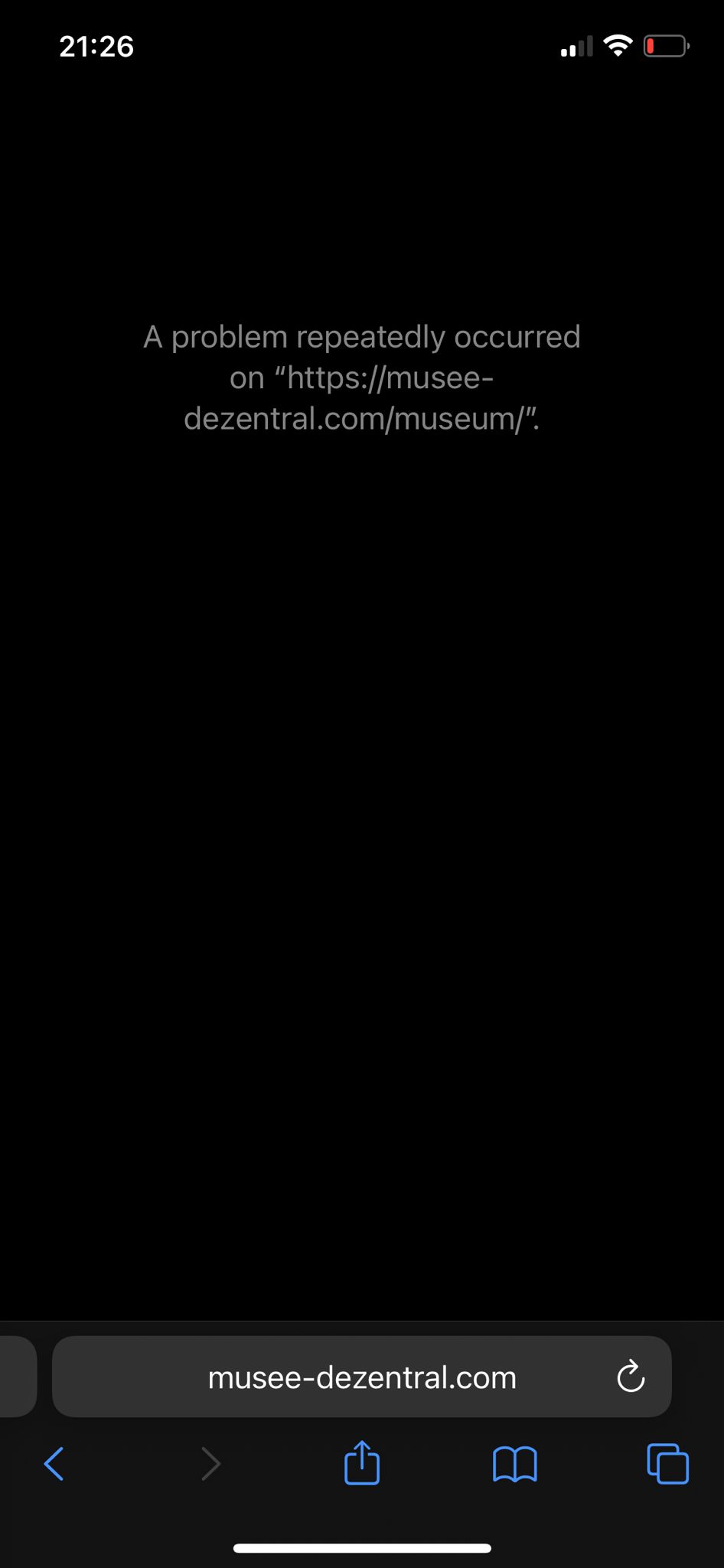
If a 3D space fails to load and you see the error message above it probably means that your device is running out of volatile memory.
Closing apps and browser tabs often fix it.
Other questions
Create your avatar
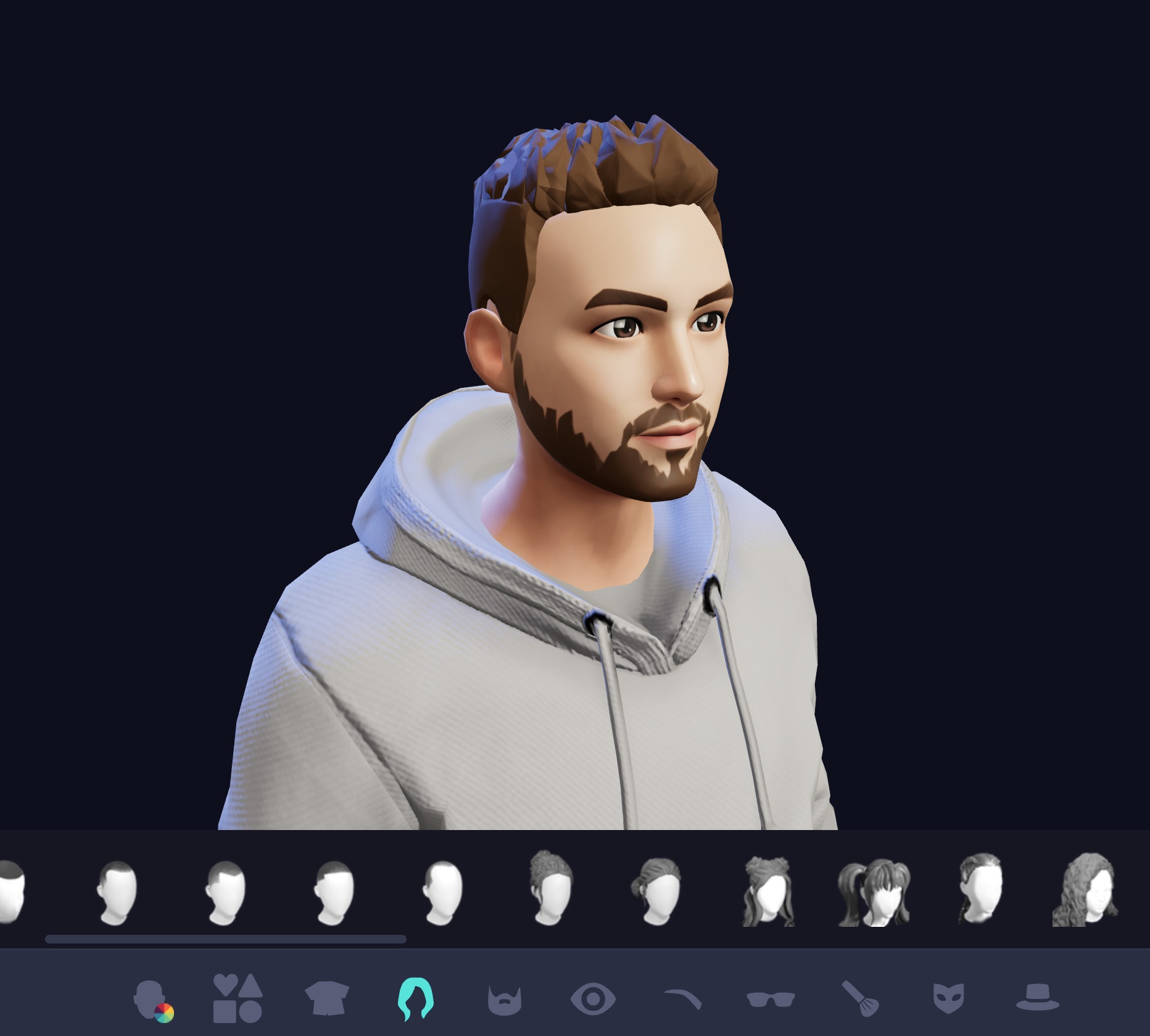
Use the Ready Player Me Avatar Generator to create your custom Avatar. Open the Menu by pressing "M" and choose "Avatar Generator".
Your Avatar will be saved.
Virtual space is not running smoothly
For best experience we recomment to use the Google Chrome your device of choice
Open the Menu (M) and change the Graphic Mode to "Low"
Close unused browser tabs
Close apps on your mobile device or computationally intensive software (3D Software, Photoshop, ...) on your desktop device
If you're using a laptop, plug in your charger
I don't hear anything
Make sure your Browser is not muted by looking for a little speaker icon inside the Tab.
Right click the tab and choose "Unmute Website"You can change the volume of the RaveSpace experience itself in the menu.
To open the menu press M
Page is crashing
If a 3D space fails to load and you see the error message above it probably means that your device is running out of volatile memory.
Closing apps and browser tabs often fix it.
Videos or images are not loading
Safari video loading
In Safari it may take some time for longer videos to load because Safari can only play fully loaded videos. Other browsers instead can play videos even though they are not fully loaded)
Caching
Sometimes videos and images got cached by the browser. Clearing the cache may help
In Chrome on Mac -> Menu Bar -> Chrome -> Clear browsing data -> enable images and video -> clear data
For other browsers checkout https://clear-my-cache.com/apple-mac-os/google-chrome.html
Developer note: adding a randome URL parameter to the end of a static resource source may fix this
You are disconnected from the multiplayer server
If this error occures, you will not see other users anymore but can explore the metaverse on your own. Some other functionalities may also not work.
There are several reasons for this error
Disable Browser Extensions: Some browser extensions may cause issues. Try using an incognito tab or a different browser.
Check Your Internet Connection: An unstable internet connection can also cause issues. Try disconnecting and reconnecting or resetting your router, then reload the page.
Session Timeout: If you have been inactive for too long, your session may have expired. Press "M" to open the menu and select a server if available.